
To choose home security cameras, consider their resolution, field of view, and connectivity options. Evaluate features like night vision, motion detection, and storage solutions to meet your needs.
Choosing the right home security camera is essential for protecting your property and loved ones. With various options available, understanding key features can simplify your decision. Security cameras enhance safety by providing real-time monitoring and valuable evidence in case of incidents.
High-resolution cameras ensure clear images, while wide fields of view cover larger areas. Features like night vision and motion detection further increase effectiveness. Assessing connectivity options, such as Wi-Fi or wired connections, can also impact usability. Investing in the right system not only provides peace of mind but also helps you respond promptly to any potential threats.

Credit: www.usnews.com
Introduction To Home Security Cameras
Home security cameras play a vital role in protecting your home. They provide peace of mind and help deter crime. Choosing the right camera is essential for effective security.
Rise Of Smart Home Security
The popularity of smart home security systems is growing. Many homeowners prefer these systems for their convenience and effectiveness. Here are some key points about this rise:
- Easy access through smartphones
- Advanced features like motion detection
- Integration with other smart devices
- Remote monitoring capabilities
Smart cameras allow homeowners to monitor their property anytime, anywhere. The demand for high-definition video and night vision is increasing. These features enhance home security.
Importance Of Choosing The Right Camera
Selecting the right camera is crucial. Not all cameras suit every home. Consider the following factors:
| Factor | Details |
|---|---|
| Resolution | Higher resolution provides clearer images. |
| Field of View | A wider field covers more area. |
| Night Vision | Essential for monitoring in low light. |
| Wired vs. Wireless | Wireless cameras offer flexibility in placement. |
| Storage Options | Cloud storage vs. local storage. |
Choosing the right features enhances security. Think about your home layout. Assess your monitoring needs. This ensures you invest wisely in security.
Types Of Security Cameras
Choosing the right type of security camera is crucial for home safety. Different types serve various purposes. Understanding these options helps in making an informed decision.
Indoor Vs. Outdoor Cameras
Security cameras come in two main types: indoor and outdoor. Each type has unique features suited for specific environments.
| Camera Type | Features | Best For |
|---|---|---|
| Indoor Cameras |
|
Monitoring inside your home |
| Outdoor Cameras |
|
Securing your property outside |
Wired, Wireless, And Wire-free Options
Security cameras can be wired, wireless, or wire-free. Each option has its pros and cons.
-
Wired Cameras:
- Stable connection
- Higher video quality
- Complex installation
-
Wireless Cameras:
- Easy to install
- Flexible placement
- May suffer from interference
-
Wire-Free Cameras:
- Battery-operated
- No cords needed
- Requires regular battery changes
Each type of camera fits different needs and setups. Choose wisely based on your home security requirements.
Key Features To Consider
Choosing the right home security camera involves understanding key features. Each feature plays a crucial role in protecting your home. Let’s explore some of the most important ones.
Resolution And Field Of View
Camera resolution impacts image clarity. Higher resolution means clearer images. Look for cameras with at least 1080p resolution.
Field of view (FOV) determines how much area the camera covers. A wider FOV means fewer blind spots. Most cameras offer a FOV between 90° and 180°.
| Resolution | Image Clarity |
|---|---|
| 720p | Good |
| 1080p | Very Good |
| 4K | Excellent |
Night Vision Capabilities
Night vision allows cameras to see in low light. This feature is essential for nighttime security. Look for infrared (IR) technology for the best results.
- IR technology provides clear images at night.
- Some cameras offer color night vision.
- Ensure night vision range meets your needs.
Motion Detection And Tracking
Motion detection alerts you to movement. This feature enhances security by notifying you instantly. Look for cameras with adjustable sensitivity settings.
Some cameras include tracking capabilities. They follow moving objects automatically. This feature offers extra peace of mind.
- Adjust motion detection zones.
- Receive alerts via smartphone apps.
- Track moving subjects seamlessly.
Connectivity And Storage
Choosing the right home security camera involves understanding connectivity and storage options. These factors impact how you access and store your video footage.
Local Vs. Cloud Storage
Storage options affect your camera’s performance and reliability. Here’s a breakdown:
| Storage Type | Advantages | Disadvantages |
|---|---|---|
| Local Storage |
|
|
| Cloud Storage |
|
|
Integration With Smart Home Systems
Smart home integration enhances your security setup. Look for cameras that work with:
- Amazon Alexa
- Google Assistant
- Apple HomeKit
Integration allows for:
- Voice control of cameras
- Automated routines
- Seamless monitoring through one app
Always check compatibility before purchasing. The right integration increases convenience and security.
Installation And Setup
Choosing the right installation method for your home security camera is essential. The setup can affect both performance and convenience. Here’s what to consider for smooth installation.
Diy Vs. Professional Installation
Decide between installing the camera yourself or hiring a professional. Each option has its own benefits.
| Installation Method | Advantages | Disadvantages |
|---|---|---|
| DIY Installation |
|
|
| Professional Installation |
|
|
Ease Of Use And Configuration
Choose cameras that are easy to configure. This saves time and effort.
- User-friendly interface: Look for simple menus and clear options.
- Mobile app access: Ensure you can monitor cameras from your smartphone.
- Setup guides: Opt for models with clear instructions.
- Customer support: Check if the brand offers reliable help.
Consider these aspects for a smooth experience. A well-configured camera increases your home’s safety.
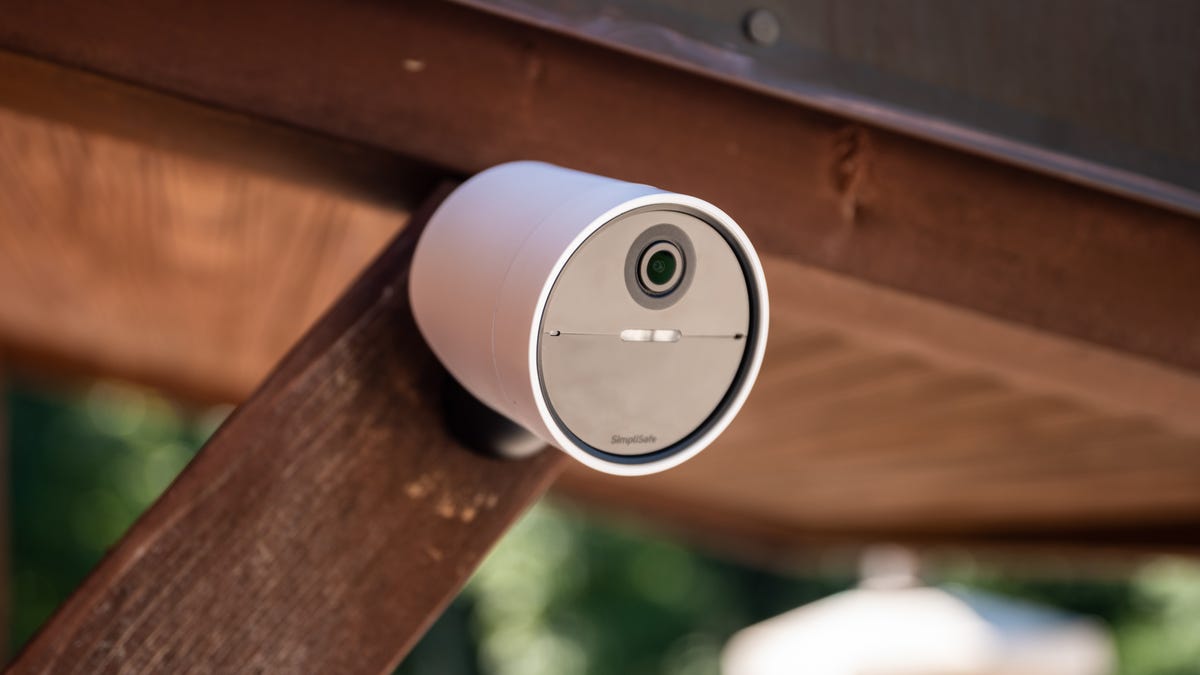
Credit: www.cnet.com
Brand And Model Comparisons
Choosing the right home security camera involves comparing brands and models. Each brand offers unique features and price points. Understanding these differences helps you make an informed decision.
Top Security Camera Brands
- Arlo – Known for wireless options and smart features.
- Ring – Popular for video doorbells and outdoor cameras.
- Nest – Offers integration with smart home devices.
- Wyze – Affordable prices with impressive features.
- Reolink – Great for high-resolution options and outdoor use.
Comparing Price Points And Reviews
| Brand | Price Range | User Rating |
|---|---|---|
| Arlo | $100 – $400 | 4.5/5 |
| Ring | $60 – $300 | 4.7/5 |
| Nest | $130 – $500 | 4.6/5 |
| Wyze | $25 – $50 | 4.4/5 |
| Reolink | $50 – $300 | 4.5/5 |
Check user reviews for each brand. Reviews reveal real experiences. Focus on features that matter most to you.
Consider your budget. Higher prices often mean more features. However, many budget options deliver excellent quality.
Security And Privacy Concerns
Choosing the right home security camera involves understanding security and privacy issues. These concerns affect how safe your data is and how your privacy is maintained. Cameras can capture sensitive information. Ensuring your data is secure is essential.
Data Encryption And Security Protocols
Data encryption is vital for protecting your video footage. It ensures that only authorized users can access the data. Here are key points about encryption:
- End-to-End Encryption: This protects data from origin to destination.
- Secure Protocols: Look for cameras using HTTPS and WPA2.
- Regular Updates: Choose brands that frequently update their software.
Check the manufacturer’s website for security certifications. These certifications indicate a commitment to safeguarding your information.
Privacy Settings And User Control
Privacy settings allow you to control what information is shared. Effective settings enhance your security. Consider these factors:
- User Access Control: Limit access to trusted individuals.
- Camera Placement: Avoid pointing cameras at neighbors’ property.
- Data Retention: Understand how long footage is stored.
Some cameras offer features like:
| Feature | Description |
|---|---|
| Motion Detection | Alerts you to unusual activity. |
| Privacy Zones | Blocks recording in specific areas. |
| Two-Factor Authentication | Adds an extra layer of security. |
Review the privacy policy before purchasing. It should clearly explain data handling practices. Understanding these concerns ensures your home remains a safe haven.
Maintenance And Upgrades
Maintaining and upgrading your home security cameras is essential. Regular checks keep them functional. Upgrades improve their performance and features. Below are some key tips for both maintenance and knowing when to upgrade.
Regular Maintenance Tips
Keeping your cameras in good shape is simple. Follow these tips:
- Clean the Lenses: Dust and dirt can blur images. Use a soft cloth.
- Check Connections: Ensure cables are secure. Loose cables can cause problems.
- Update Software: Regular updates fix bugs and enhance security.
- Test the Cameras: Periodically check their functionality. Make sure they record properly.
- Inspect for Damage: Look for cracks or wear. Replace damaged parts immediately.
When To Consider Upgrading
Upgrades can boost your security system. Consider upgrading in these situations:
- Outdated Technology: If your cameras are over five years old.
- Poor Image Quality: If images are blurry or grainy.
- Limited Features: If your camera lacks essential features like night vision.
- Increased Security Needs: If your neighborhood has had recent crime.
- Integration Issues: If your cameras don’t work with new smart home systems.
Regular maintenance and timely upgrades ensure your home remains secure. Stay vigilant and proactive.
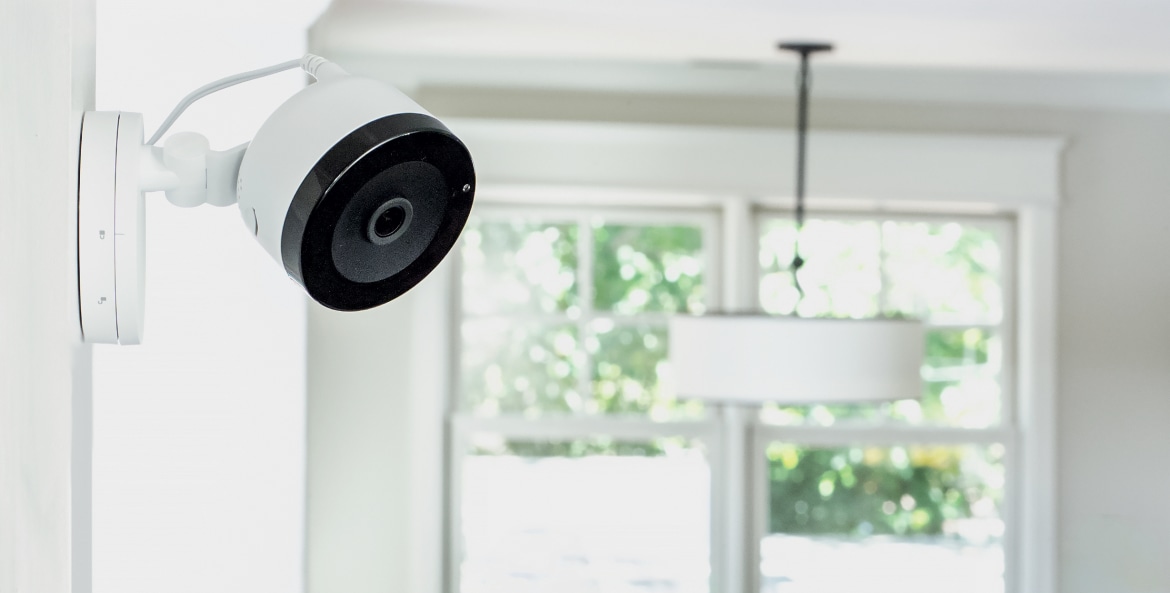
Credit: mwg.aaa.com
Frequently Asked Questions
What Features Should I Look For In Security Cameras?
When choosing security cameras, consider resolution, field of view, and night vision. Look for features like motion detection and two-way audio. Compatibility with smart home systems is also essential. These features enhance security and ensure you capture clear footage of any incidents.
How Many Security Cameras Do I Need?
The number of security cameras depends on your property size and layout. Generally, one camera per entry point is a good start. For larger homes, consider additional cameras for blind spots. Evaluate your surveillance needs to determine the right coverage for your security system.
Are Wireless Cameras Better Than Wired Ones?
Wireless cameras offer easy installation and flexibility in placement. However, they may experience connectivity issues. Wired cameras provide stable connections and often better video quality. Assess your environment and needs to decide which option suits your security requirements best.
How Do I Install Home Security Cameras?
Begin by selecting strategic locations for optimal coverage. Mount the cameras securely and connect them to power sources. Follow the manufacturer’s installation instructions for setup. After installation, test the camera angles and connectivity to ensure everything functions properly for effective surveillance.
Conclusion
Choosing the right home security cameras is essential for protecting your property. Consider factors like resolution, field of view, and connectivity. Research different brands and read reviews to find the best fit. A well-chosen camera system enhances your home security and provides peace of mind.
Stay safe and informed!